Showing Posts From
Technology
- Noor Adn
- 05 Feb, 2026
⌨ Remapping Keyboard di Windows dan Linux
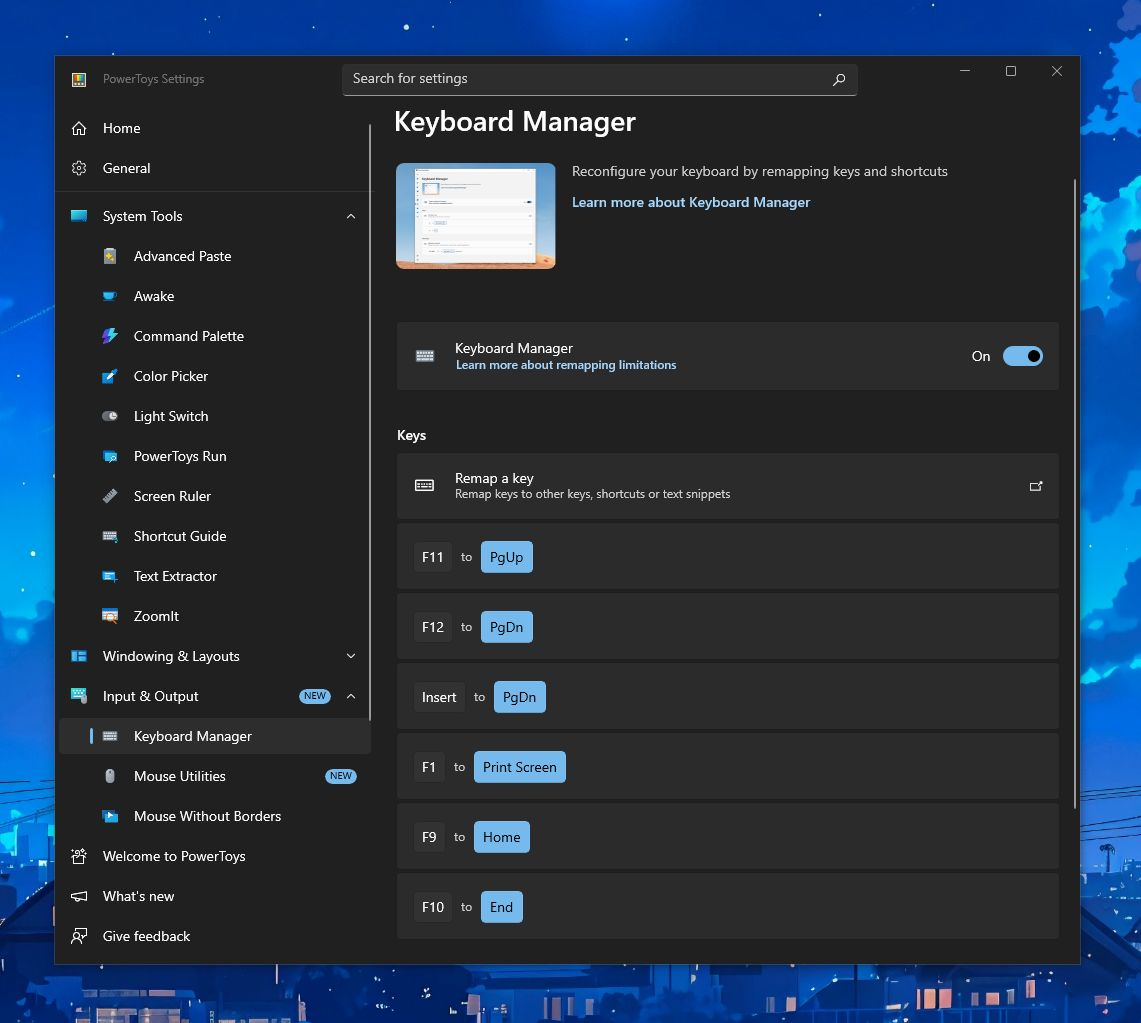
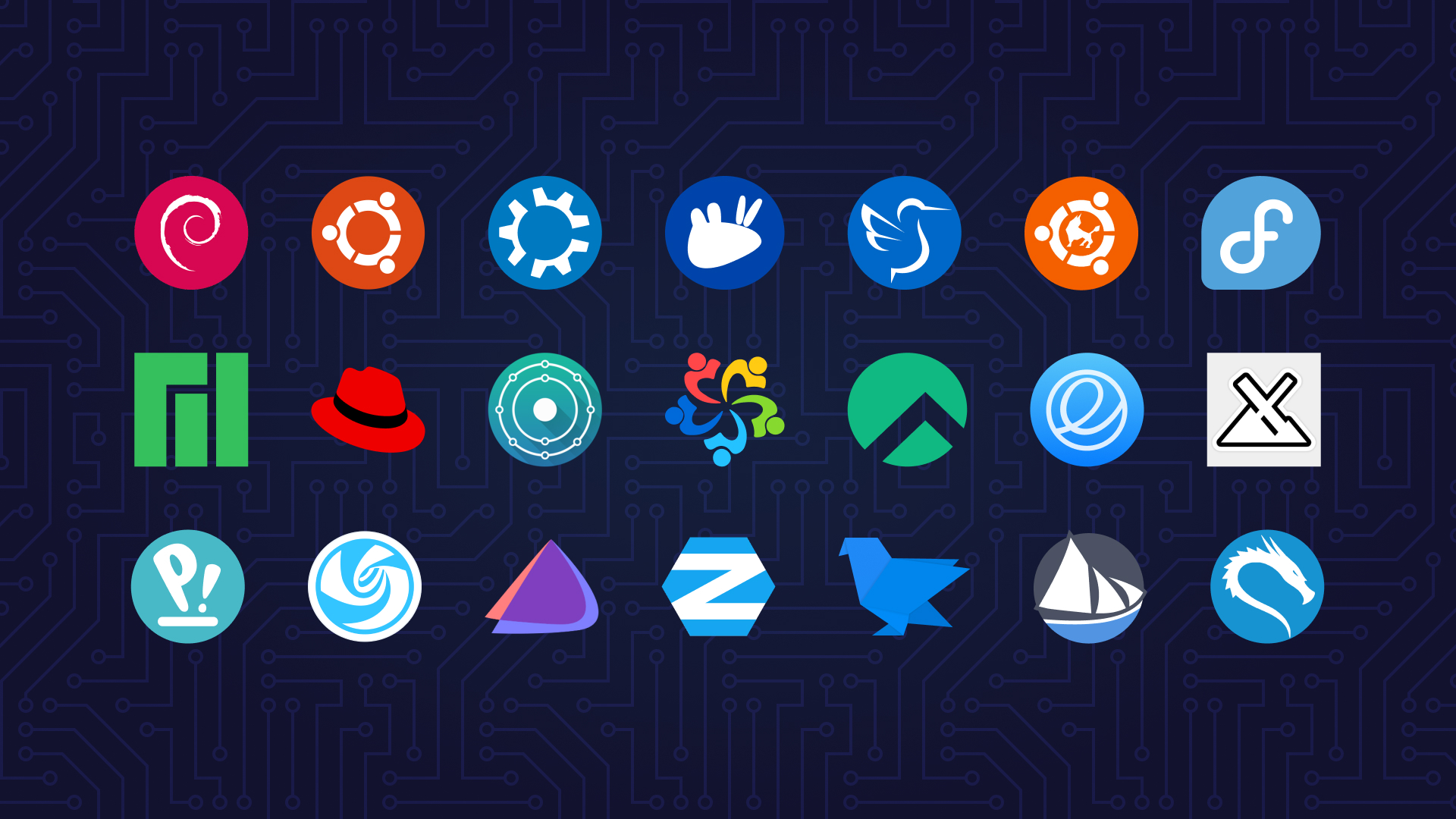
Laptop saya tidak ada tombol Page Up, Page Down, Print Screen, dkk. Kemungkinan dipangkas biar lebih compact. Padahal, tombol ini cukup fungsional untuk scroll dan keperluan lain. Rasanya seperti "ada yang kurang". Terutama saat migrasi ke laptop dengan layout keyboard berbeda namun telanjur familiar dengan tombol-tombol tersebut. Biasanya, saya pakai untuk pindah-pindah tab browser dengan menekan "Ctrl + Page Up / Down". Selain itu juga utk screenshot cepat lewat pencet "Windows + Print Screen". Karena itu, saya cari cara agar “fitur” yang sekarang hilang ini bisa kembali lagi. Berikut solusi yang saya temukan... Kalau di Windows, saya pakai Microsoft PowerToys. Tepatnya pada fitur Keyboard Manager. Bisa didownload dari website resmi Microsoft. Anyway, ada banyak tools/tweak lain di sini, salah satu yang sering saya pake yaitu Command Palette, mirip Spotlight Search di MacOS, dengan menekan "Alt + Space". Karena saya juga dual boot Linux, jadi saya perlu cari padanannya juga. Di Linux saya pakai "keyd", semacam app/service utk remap tombol di keyboard. Saat ini saya pakai ekosistem Debian/Ubuntu (seperti di gambar). Beberapa contoh ide mapping: F1 => Print Screen (utk screenshot) F9 => Home F10 => End F11 => Page Up F12 => Page Down Semoga bermanfaat!
- Noor Adn
- 02 Oct, 2025
Windows 10 End Of Life
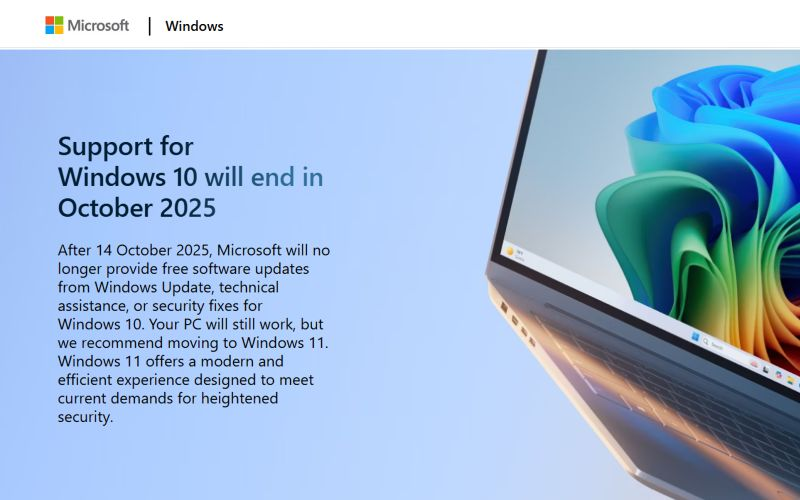
💡Reminder: Windows 10 akan mencapai End of Life (EOL) pada 14 Oktober 2025. Setelah tanggal tersebut, update keamanan, fitur baru, dan technical support gratis akan dihentikan. Device yang masih menggunakan Windows 10 tetap bisa dipakai, namun berjalan tanpa dukungan resmi. Disarankan untuk beralih ke Windows 11. Sumber: https://www.microsoft.com/en-id/windows/end-of-support Jika ingin tetap memakai Windows 10 lebih panjang, tersedia program berbayar Extended Security Updates (ESU). Baca lebih detail: https://www.microsoft.com/en-id/windows/extended-security-updates?r=1 dan https://learn.microsoft.com/en-us/windows/whats-new/extended-security-updates Saya penasaran, berhubung tidak semua device compatible upgrade ke Win 11 (misal pada legacy device yang belum support TPM 2.0 dan UEFI). Kira-kira ke depannya bakal seperti apa ya? Apakah migrasi ke Linux semua, atau...? 🤔
- Noor Adn
- 26 Sep, 2025
Recovery Akun X (Twitter)
Saya bersyukur akun X (dulu Twitter) saya akhirnya berhasil dipulihkan setelah terkunci lebih dari 5 tahun karena hilang akses ke aplikasi 2FA (two-factor authentication). Pada tahun 2020, saya mencoba fitur 2FA berbasis TOTP (time-based one-time password). Konsepnya sederhana: selain kombinasi username/email + password, user juga perlu input kode acak yang di-generate aplikasi authenticator setiap beberapa detik. Mekanisme ini efektif menambahkan satu layer keamanan ekstra terhadap brute force maupun credential stuffing. Meski ada pihak yang mengetahui kredensial login, akun tetap terlindungi selama tidak lolos 2FA. Dalam praktik cybersecurity, mekanisme autentikasi biasanya dibagi menjadi beberapa faktor. Ketika dua atau lebih faktor digabungkan, inilah yang disebut Multi-Factor Authentication (MFA). Contohnya: Something you know → kredensial login, password, PIN Something you have → smartphone dgn authenticator app, hardware token Something you are → biometrik seperti sidik jari atau wajah Somewhere you are → lokasi login (IP / geolokasi) Something you do → pola unik seperti style mengetik & aktivitas di platformDalam praktik modern, MFA juga menjadi komponen penting dari prinsip Zero Trust “never trust, always verify.” Artinya, akses tidak hanya bergantung pada satu kredensial saja, tapi selalu divalidasi secara berlapis, bahkan jika berasal dari jaringan atau device yang dianggap familiar. Back to topic. Saya memakai Google Authenticator, pada saat itu belum tersedia fitur cloud sync. Semua secret key hanya tersimpan lokal di device lama. Ini sebenarnya pendekatan yang bagus, namun ada drawback resiko serius jika kehilangan akses device. Dan hal buruk pun terjadi. Saat saya berganti device, saya lupa melakukan export/import secret key tersebut. Sudah terlanjur di hard-reset. Akibatnya, akun terkunci total dan tidak bisa diakses sejak 2020 s.d. 2025. Qodarullah. 🫠 Sejak itu, saya lebih aware terhadap security. Menyimpan backup authenticator di beberapa device, memakai lebih dari satu aplikasi authenticator, dan merahasiakan recovery code dengan lebih aman. Tiket recovery sudah pernah saya ajukan di tahun 2020, tapi belum berhasil. Sempat juga putus asa. Baru pekan ini saya mencoba lagi, mengikuti instruksi tim support untuk menonaktifkan 2FA, dan akhirnya (25 September 2025) akun bisa kembali digunakan. Alhamdulillah. Beberapa key takeaways:🔐 2FA berbasis TOTP meningkatkan keamanan akun secara signifikan.⚠️ Namun tanpa backup, risikonya justru bisa berbalik jadi account lockout.📲 Terdapat opsi lain seperti cloud backup dan hardware security key.🛡️ Prinsip modern seperti Zero Trust mengingatkan kita agar jangan pernah “trust by default”, selalu verifikasi setiap akses, bahkan terhadap akun pribadi kita sendiri. Semoga sharing pengalaman ini bisa bermanfaat & jadi pengingat. Bagi yang mengalami masalah serupa, dokumentasi resmi dari X bisa diakses di sini 👉 https://help.x.com/en/forms/account-access
- Noor Adn
- 12 Sep, 2025
Perplexity 12 Month Free
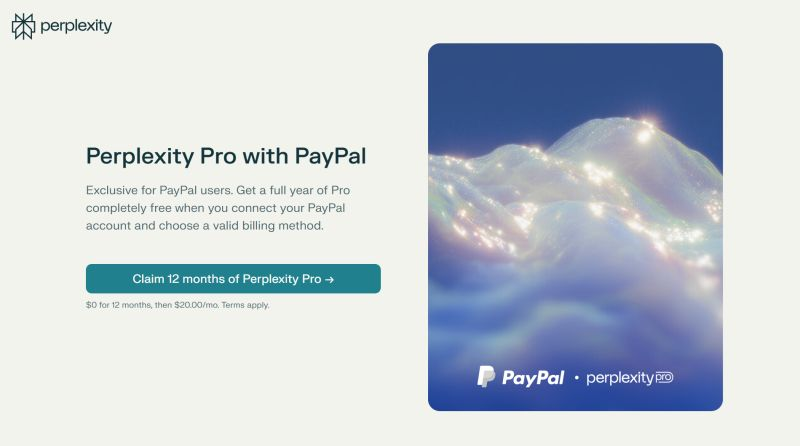
🎁 Perplexity Pro gratis 1 tahun untuk pengguna PayPal.Cukup hubungkan akun PayPal & pilih metode pembayaran yang valid.Langsung aktif, gratis selama 12 bulan penuh. 🔗 Klaim di sini: https://perplexity.ai/join/p/paypal-subscription📄 Syarat & ketentuan: https://www.perplexity.ai/hu/hub/legal/partner-promo-terms-paypal Semoga bermanfaat!
- Noor Adn
- 03 Jul, 2025
📁 Cozy Downloader
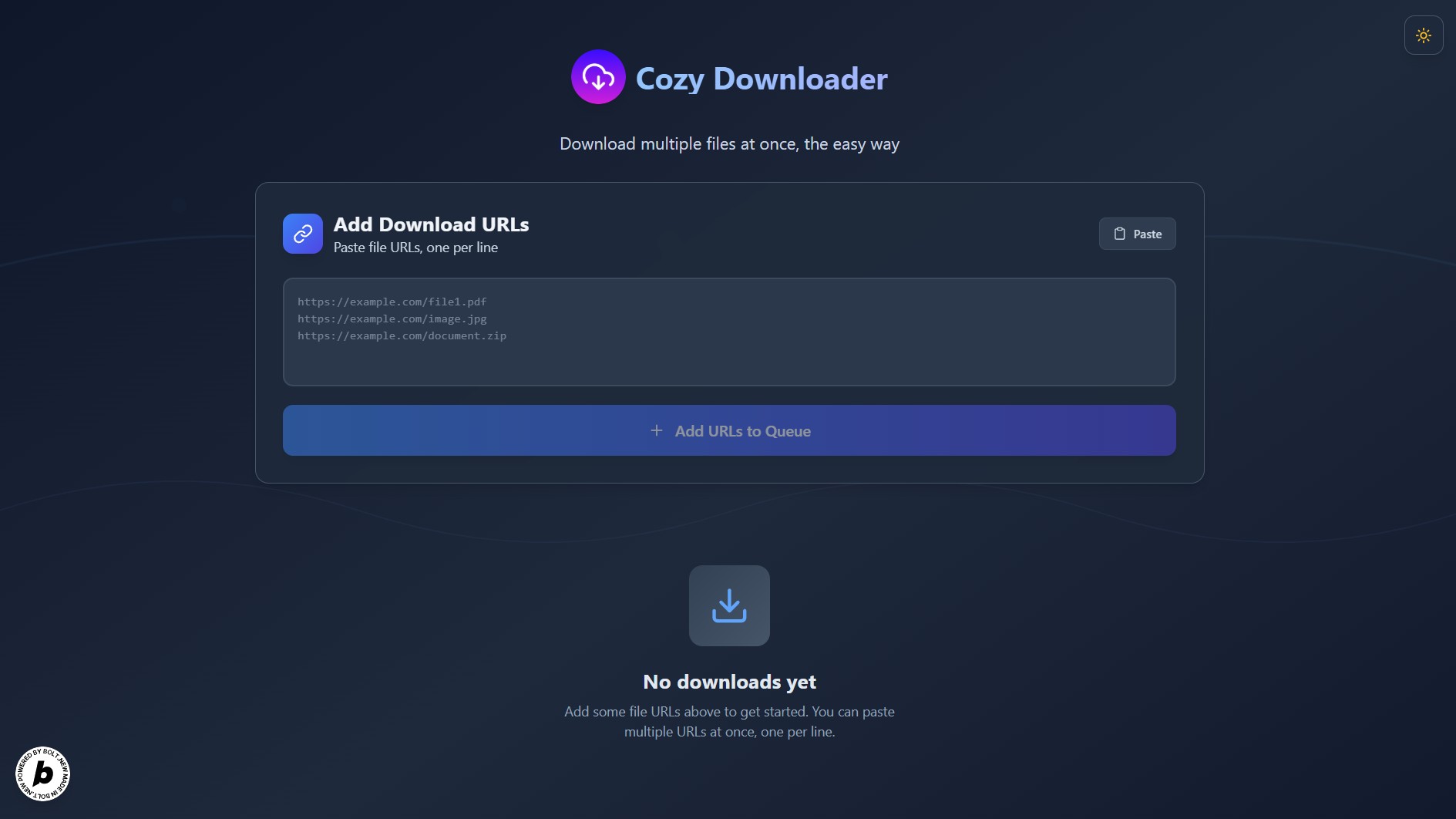
📁 Cozy Downloader — Tools untuk download banyak file sekaligus.Cukup input daftar URL, lalu download otomatis! ✅ Batch download otomatis✅ Tangani timeout & retry✅ Zip hasilnya (opsional) dan simpan langsung Coba sekarang: https://cozydownloader.netlify.app/ 🚀🛠️ Cara Kerja: Paste URL file yang ingin diunduh Sesuaikan mode download (seperti jumlah concurrency dan zip) Cozy Downloader akan mulai bekerja📌 Catatan:Disarankan menonaktifkan opsi "ask where to save each file before downloading" di browser untuk menghindari banyak popup. 🔄 Mekanisme Download: Cozy mencoba download langsung dari URL Jika gagal karena CORS, akan otomatis fallback pakai proxy server🌐 Proxy (JS function) yang digunakan dideploy di: Cloudflare Workers (pimary) Railway (fallback jika kuota habis)🛠️ Cozy Downloader adalah submission saya di Hackathon Bolt.new bulan Juni kemarin: https://devpost.com/software/cozy-downloader 🐍 Bagi teman-teman yang ingin fitur semisal dan lebih simpel & powerful (lewat terminal), bisa pakai program python "Pangudhuh" yang saya buat pakai AI. Cek di https://github.com/nooradn/pangundhuh/ Kira-kira apa memungkinkan bikin web downloader app semacam ini tapi tanpa proxy ya? Sedang cari solusi alternatif sih... [Day 7/100] hashtag#100HariMenulis - s.id/100HariNulis
- Noor Adn
- 18 Feb, 2025
Berkenalan dengan email fowarding dan email routing 🤝
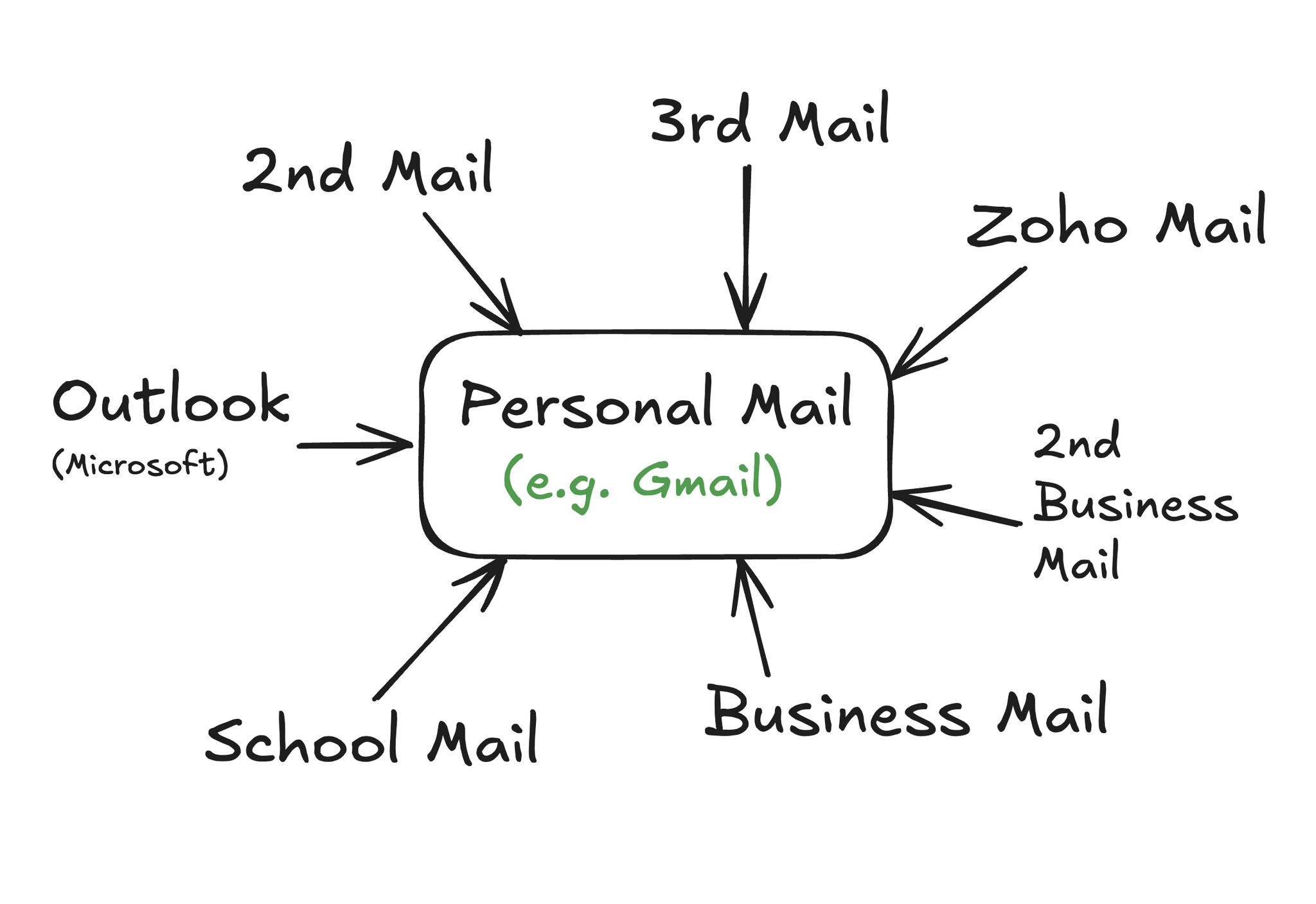
Pernah burnout ngecek banyak email di banyak tempat, satu persatu? Hmm... Rasanya capek ya buka email di tempat tempat berbedaKadang juga belum bisa fokus dan belum ada waktu proper untuk baca Ada email pribadi, email sekolah, email kantor, email bisnis, email pribadi ke-2, ke-3, ke-4, dan lain sebagainya. Cara loginnya kadang beda-beda pula. Hmm... Bagaimana jika ada suatu cara atau tools yang memudahkan pantau semua email dalam satu tempat, agar lebih punya informasi terpusat, plus punya visibilitas tinggi, dengan lebih efisien. Salah satu solusi yang efektif, reliable bisa digunakan adalah pakai email forwarding / routing. Email forwarding adalah sebuah istilah untuk mem-foward (meneruskan) email yang masuk, ke email lain. Kita bisa juga membuat suatu rule (aturan) ke platform/provider email agar mem-foward otomatis semua email yang masuk, ke suatu email spesifik, misalkan email pribadi (GMail). Diatur sesuai keinginan saja. Ini bagi sebagian orang (termasuk saya) merupakan hal yang bisa dibilang sangat berguna. Kebanyakan email providers sudah menyediakan fitur bawaan utk forwarding email (setahu saya). Adapun step by step teknis nya bagaimana, silakan dibaca saja dokumentasinya. Beberapa dokumentasi setup fowarding dari email provider populer sudah dikurasi: Gmail: https://support.google.com/mail/answer/10957?hl=idOutlook: https://support.microsoft.com/id-id/topic/mengaktifkan-penerusan-otomatis-di-outlook-7f2670a1-7fff-4475-8a3c-5822d63b0c8eZoho: https://www.zoho.com/id/mail/help/email-forwarding.htmlProton: https://proton.me/support/email-forwarding Plus, bagi teman-teman pemilik domain dan menggunakan Cloudflare sebagai DNS manager, bisa langsung disetup di sana mengunakan fitur email routing (tanpa tambahan mail server)Cloudflare: https://developers.cloudflare.com/email-routing/ Semoga bermanfaatBarakallahu fiikum [Day 4/100] hashtag#100HariMenulis - s.id/100HariNulis
- Noor Adn
- 01 Jan, 2025
.NEW Google Shorcuts 🚀
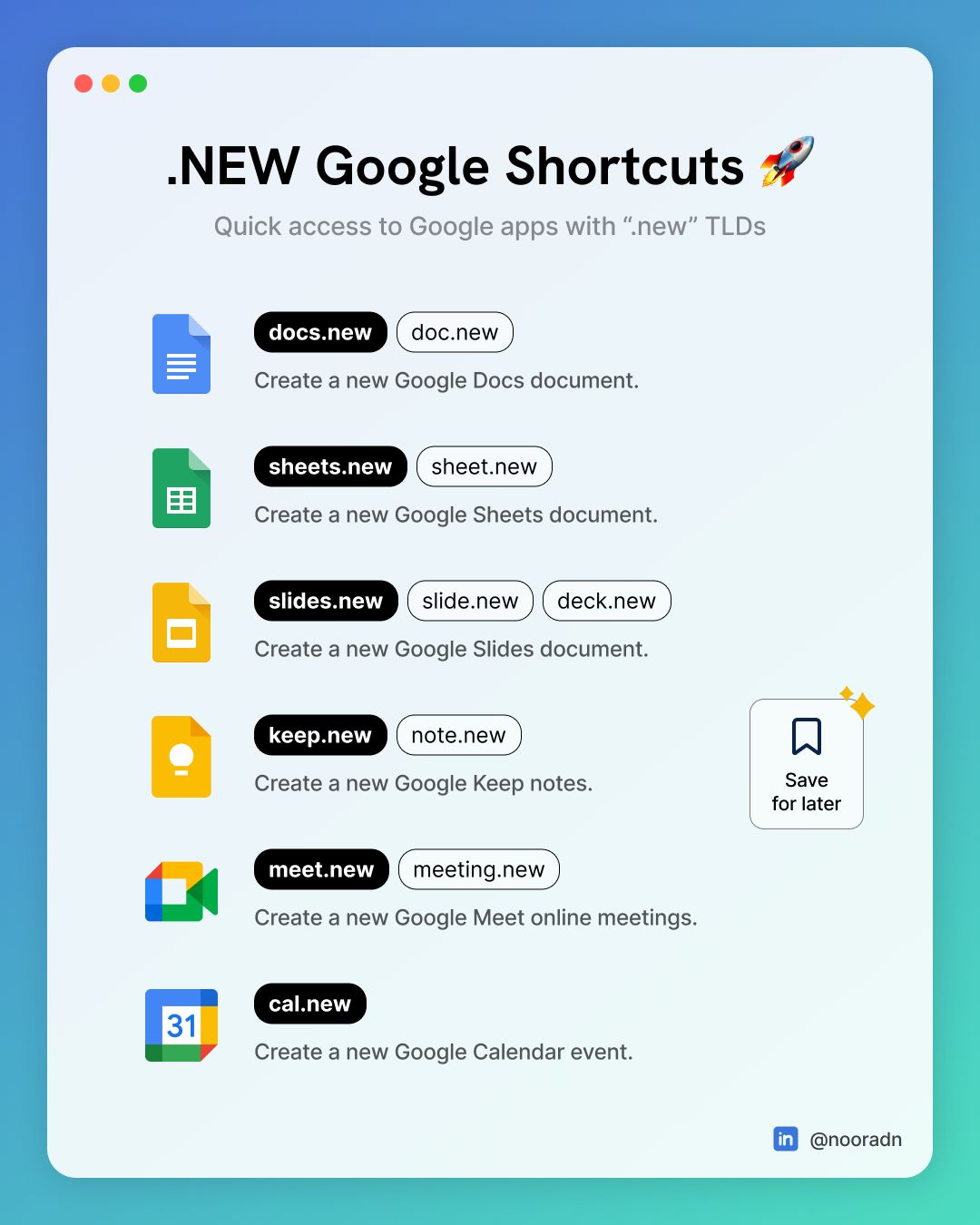
Kumpulan link dengan Top-Level Domain (TLD) “.new”, biar makin sat-set ⚡ 📘 docs.new | doc.newBuat dokumen Google Docs baru 📗 sheets.new | sheet.newBuat dokumen Google Spreadsheet baru 📙 keep.new | note.newBuat catatan Google Keep baru 💻 slides.new | slide.new | deck.newBuat presentasi Google slides baru 🤝 meet.new | meeting.newBuat meeting Google Meet baru 📆 cal.newBuat event Google Calendar baru Semoga bermanfaat 🌾 1/100 hari nulis.Mau ikutan? Join di https://s.id/100HariNulis
- Noor Adn
- 09 Feb, 2024
Discovering Linux: A Distro Exploration and Sharing Experience
Hello there 👋, let me share about my journey in the Linux world. The first time was in about 2015 when I was still in school. Then, from time to time, new things are discovered. I also gained valuable knowledge and hands-on experiences on the live server when being a cohort (student) and mentor at Bangkit Academy. Until now, I have used Linux as a partner for my tasks. Various Linux distros I have tried, starting from Ubuntu, Kubuntu, Xubuntu, Lubuntu, Ubuntu Kylin, Fedora (Workstation, Silverblue & Kinoite), Nobara, openSUSE, Manjaro Linux, MX, KDE Neon, AlmaLinux, Rocky Linux, elementaryOS, popOS, Deepin, EndeavorOS, Zorin, Garuda, LinuxFX, FerenOS, Solus, Kali, etc. They all have advantages and disadvantages and have different use cases 🔥. Some are aggressive in context that they get the latest and fastest updates but are prone to crashes (bugs), some update very rarely, and even the software is still in an old-school version, as long as it is stable and usable for years. Some are immutable, meaning you can’t change the core system. The changeable thing is the external software. It’s suitable for use cases that require extra security 🔐. Some are targeted for desktop use (there is a display and clickable), and there are also those intended for servers, in which there is no display (GUI), but it uses a command line terminal (CLI), as long as it is light & full performance, cutting out unnecessary things from the purpose uses 💻. Press enter or click to view image in full size GUI and CLI The GUI models are also different. In Linux, there is something called a Desktop Environment (DE), like a User Experience set when using the display. They are GNOME, KDE, XFCE, LXDE, MATE, DDE, Cinnamon, Budgie, Pantheon, etc. Some of them have a default display similar to macOS, and the others one similar to Windows. They are all unique 🌈. Press enter or click to view image in full size Various Linux Desktop Environments (DE) Logo/Icons Some are aimed for corporate purposes, such as RHEL (Red Hat Enterprise Linux) and SLES (SUSE Linux Enterprise Server). There are also those developed purely by communities such as Debian and Arch Linux. There is hybrid support from the community and corporate such as Ubuntu (Canonical) and Fedora (RedHat) 💪. There are various other use cases, for example, for penetration testing (system security testing experiments) such as Kali, gaming, SteamOS, robots, and IoT such as Raspberry Pi, and many more. Even Android (by Google), which that used on most smartphones, also uses a modified Linux kernel 🔰. After some period exploring the world of Linux, I finally decided to choose the Debian distro as my daily OS driver for now, alongside Windows. The reason is stable, uses the original DE (I use GNOME), supports many packages, updates are fast and more mature, and the documentation is quite complete. For the others, tweak it and customize it in such a way 🛠. Press enter or click to view image in full size Desktop Screenshot of Debian Linux (GNOME) + Tweaks Debian is often the parent of other distro derivatives such as Ubuntu, SteamOS, and MX Linux. It is also typically used in server environments because of its stability. I’ve been using Fedora Workstation for several months because I love using pure GNOME and getting the latest updates. It’s in the RedHat environment, which uses the RPM package. However it doesn’t support the DEB package, and the update downloads are relatively slower (POV at my local ISP) 🌐. Microsoft Windows also carries the WSL (Windows Subsystem for Linux) feature, where the Windows system can run Linux seamlessly and integrate directly from the host OS through virtualization technology. It’s useful when I need to do operations that only support Linux environments, or just want to run or test the isolated apps. It also supports GUI 🌅! Press enter or click to view image in full size Image source: PCMag.com (“Windows Subsystem for Linux Heads to the Microsoft Store”) Discussing virtualization, in a Linux environment, there is something called KVM (Kernel Virtual Machine), where a running virtual machine can directly access the kernel (core) of the system. It’s possible to run the Android system. One of which is Waydroid (which supports Google Play), which utilizes the KVM because it uses the Linux kernel. So the performance is better and more efficient ⚡. Press enter or click to view image in full size Using Waydroid to open three apps simultaneously in windowed mode. Apart from virtualization, there is also something called containerization. A kind of technology to run applications in isolation without the need to warm up a new VM. Among the well-known ones are Docker and Podman (Red Hat). Popular containerized application managers include Kubernetes (Google) and Openshift (RedHat). From here comes the term microservices, a shift from monoliths 🌟. There is a tool for running any distribution of Linux inside a Linux ho without setting up a VM. The tool is Distrobox. It utilizes containerization technology that is tightly integrated into the host. It allows to share the /Home directory, external peripherals, etc. For example, If we use Debian as the host OS, then we can run Ubuntu, Almalinux, Fedora OS, Arch Linux, or others, and install each app from isolated workspaces. It also supports GUI apps! 🌌. Press enter or click to view image in full size Distrobox Screenshot — github.com/89luca89/distrobox Some distros are built by Karya Anak Bangsa (The Indonesian People). For example, BlankOn Linux, Tealinux, GarudaLinux, Langitketujuh OS, Desa OS, Xenta OS, dracOs Linux, Grombyang OS, etc. Some have meanings behind their names. For example, BlankOn Linux which is similar to the word “blangkon” (Javanese headgear), and Langitketujuh OS which is inspired by the historic journey of the Isra’ and Mi’raj of the Prophet Muhammad ﷺ towards the seventh skies 🚀. For those who want to explore various distros and their derivatives, the form of a graph tree and information on the year of release is available on Wikipedia. https://upload.wikimedia.org/wikipedia/commons/1/1b/Linux_Distribution_Timeline.svg Press enter or click to view image in full size Debian Linux Derivatives Tree — Wikimedia.org #CMIIW. Feel free to discuss. I hope it will be useful. Barakallahu fiik, and thank you! Linux Linuxworld Technology Operating Systems Easy Life Hacks